Inspiration and references
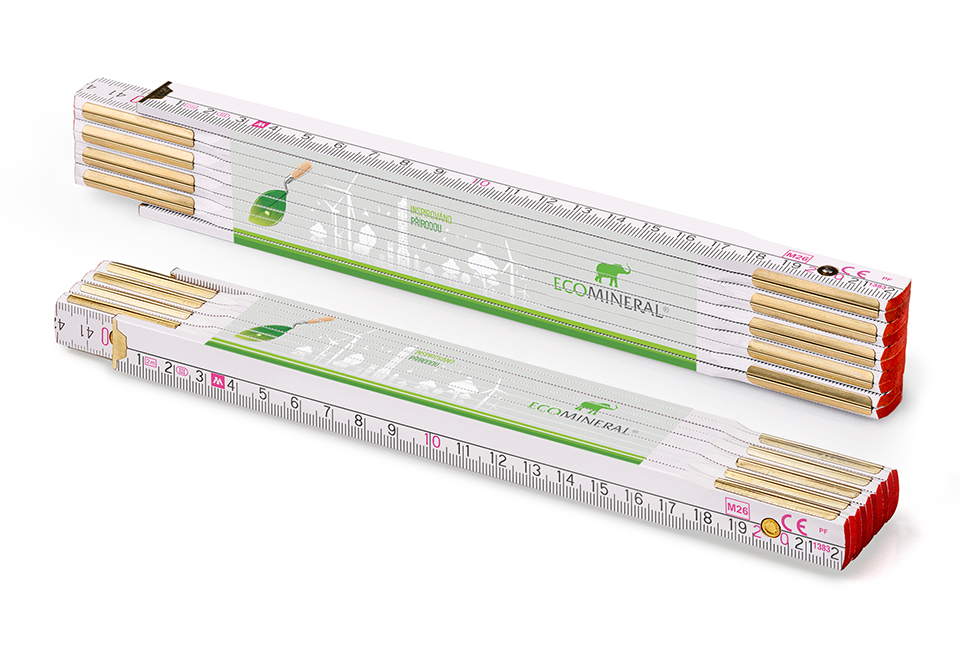
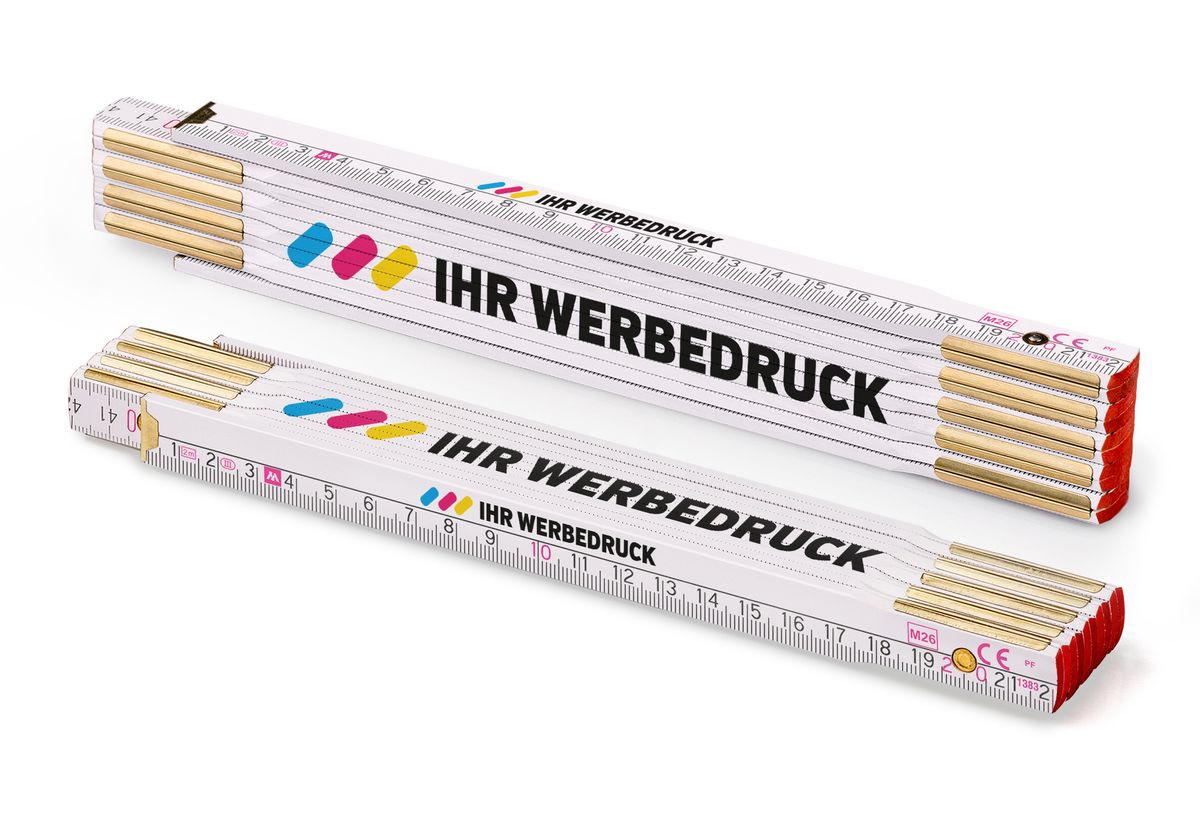
Browse real prints on folding rulers, rulers, pencils, wooden stirrers, holders and other products.
View references →The colours displayed in the online configurator are intended primarily as a preview of the appearance and positioning of the artwork on the product. A colour displayed on a monitor is not an exact physical reference for the final printed colour.
The way colours are reproduced depends primarily on the printing technology used. In digital printing, colours are created during the printing process from several base colours. With pad printing, individually prepared spot colours can be used and mixed to match a specific shade from the Pantone (PMS) colour system.
If you require an accurately defined corporate colour, such as the colour of your company logo, pad printing with a Pantone spot colour should be used. For supported products, this option is available from 100 pieces.
A monitor creates colours using light, and different screens may display them differently. The result is affected by factors such as the type of display, its settings, brightness and colour profile.
Printing, by contrast, is a physical layer of ink applied to a specific product.
The final appearance of a colour is therefore influenced in particular by:
Use the configurator preview to check the content, size and positioning of your artwork, not as an exact sample of the final colour shade.
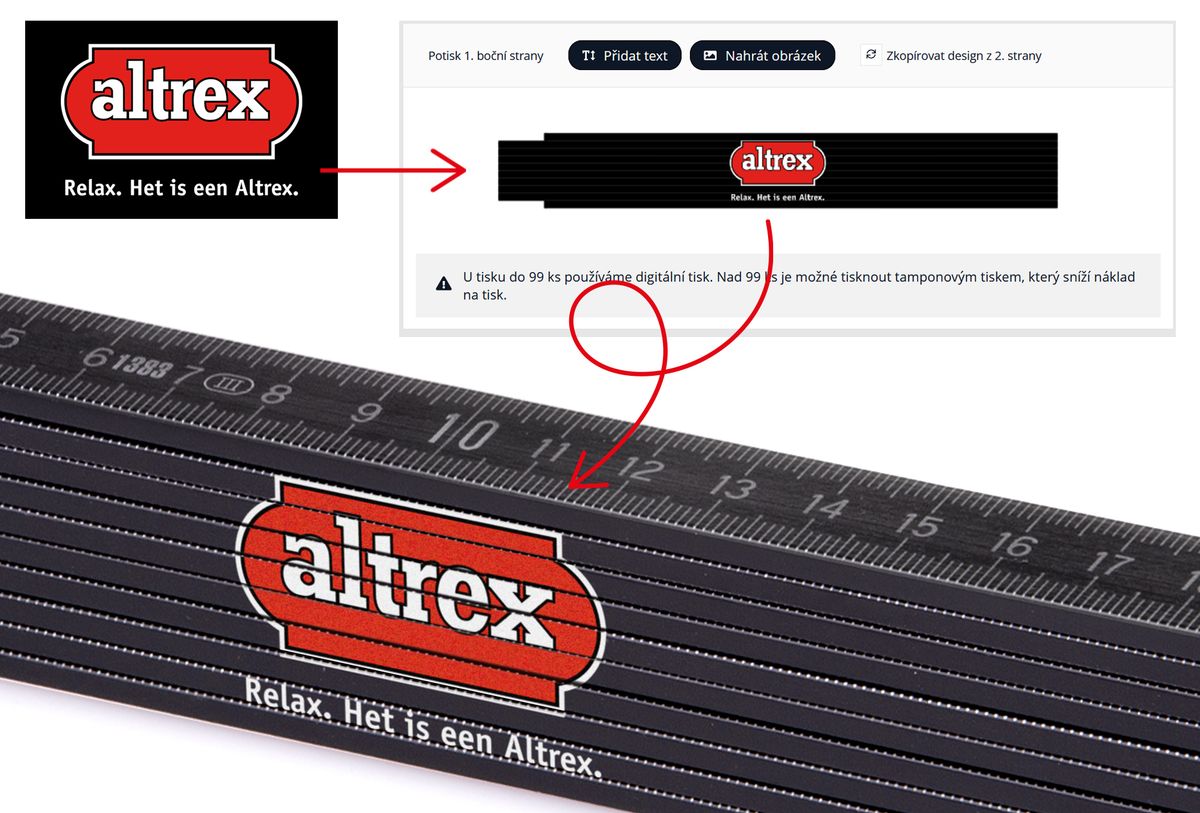
A colour displayed on a monitor is not a physical colour reference for the final print.
In digital printing, the final shades are created by combining printing colours directly during the printing process. There is therefore no need to prepare a separate spot colour for every shade in the artwork.
Digital printing is therefore particularly suitable for:
For example, if the artwork contains a photograph, shading or dozens of different shades, each shade does not need to be defined separately.
Digital printing, however, is not intended for the exact mixing of a specific corporate colour according to the Pantone system.
If a particular print colour must be precisely defined according to Pantone, pad printing with spot colours should be used.
More about the differences between digital and pad printing
With pad printing, individual colours in the artwork can be printed as separate spot colours.
Each required colour is prepared separately and then transferred onto the product.
This makes it possible to prepare a printing ink to match a specific shade from the Pantone (PMS) colour system.
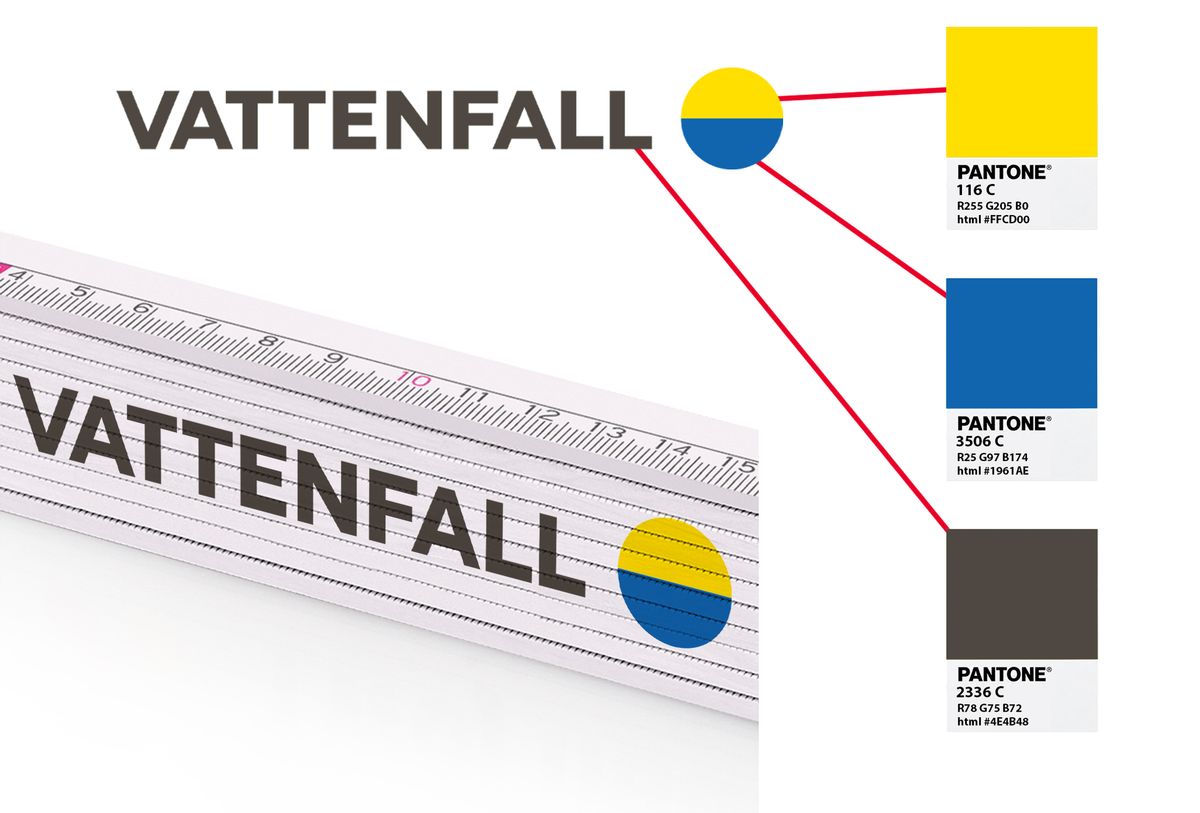
For example, if a company logo contains:
pad printing can use three separate spot colours.
Pad printing is therefore particularly suitable for logos and artwork with a smaller number of clearly defined colours.
For supported products, this technology is available from 100 pieces.
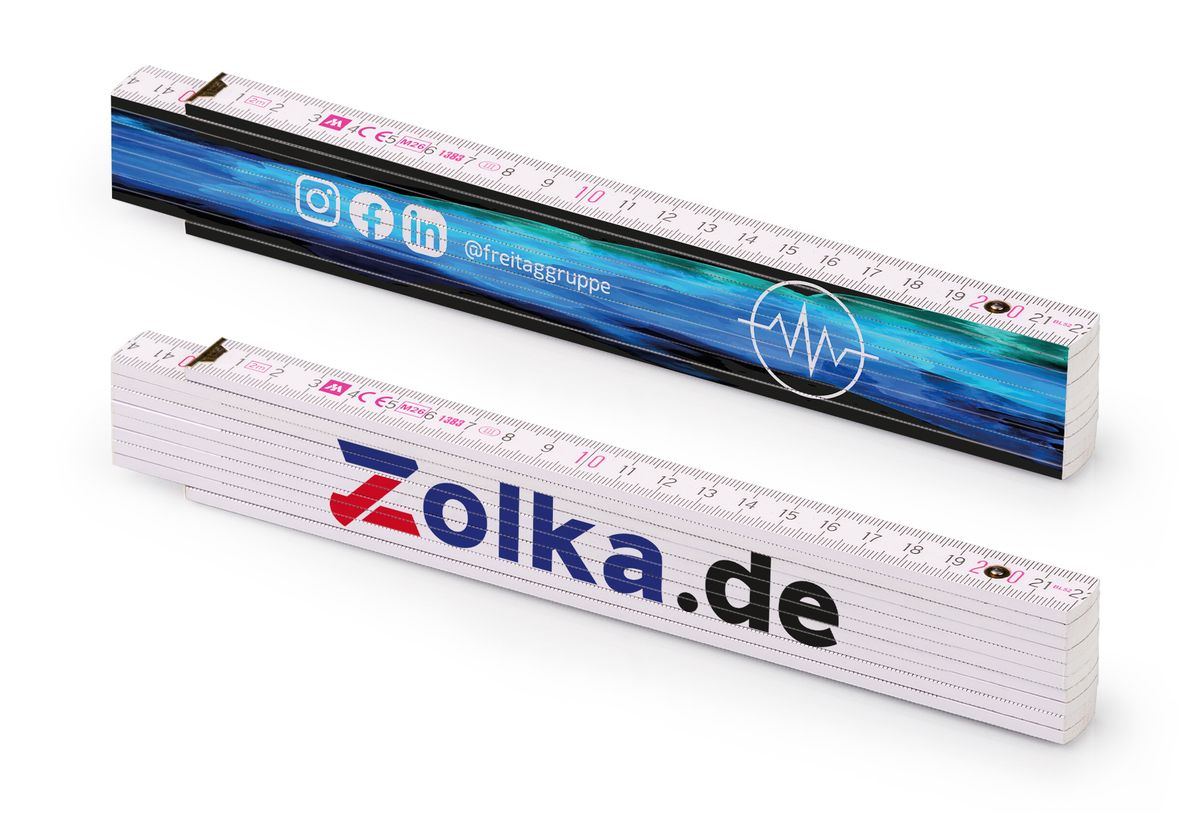
The Pantone Matching System (PMS) is a standardised colour identification system. Each specific colour has its own designation, allowing the required shade to be identified independently of how the colour appears on a monitor.
For example, a company may specify a particular Pantone colour for its logo in its corporate identity guidelines.
Instead of simply stating:
“the logo should be red”
a specific colour specification can be used, for example:
PANTONE 186 C
Such a designation provides much clearer information about the required colour than its appearance on a monitor or in a standard JPG image.
A Pantone designation identifies a specific shade that can be used to prepare a spot printing colour.
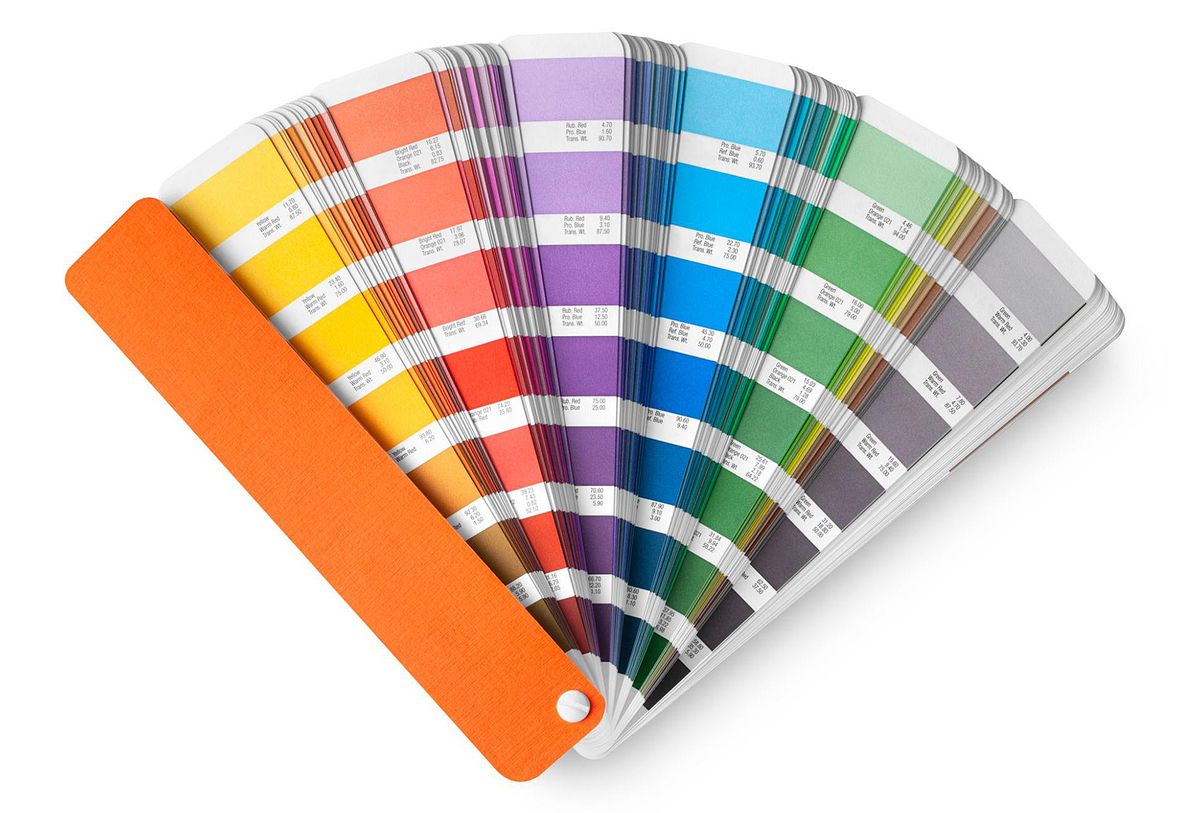
Pantone is particularly important when the print must match a predefined corporate colour.
A typical example is a company logo for which the corporate identity guidelines specify particular Pantone shades.
If exact reproduction of the corporate colour is not required, digital printing can be used based on the colours contained in the supplied artwork.
If, however, a specific corporate colour must be defined according to a colour standard, we use pad printing with Pantone (PMS) spot colours.
For supported products, this option is available from 100 pieces.
If your company uses precisely defined corporate colours, their designations can usually be found, for example:
A Pantone number cannot be reliably determined simply by looking at a colour displayed on a monitor.
If you only know the RGB or HEX code used on your website, or only have a JPG image of the logo, this is not the same as having a defined Pantone number.
If specific corporate colours are to be used for pad printing, provide their Pantone (PMS) designations with your order.
For a multicolour logo, it must also be clear which Pantone colour applies to each part of the artwork.
For example:
If you have professional artwork files, such as SVG, PDF, AI or EPS, you can attach them in the Cart. Professional artwork may also contain the information required to prepare the individual colours.
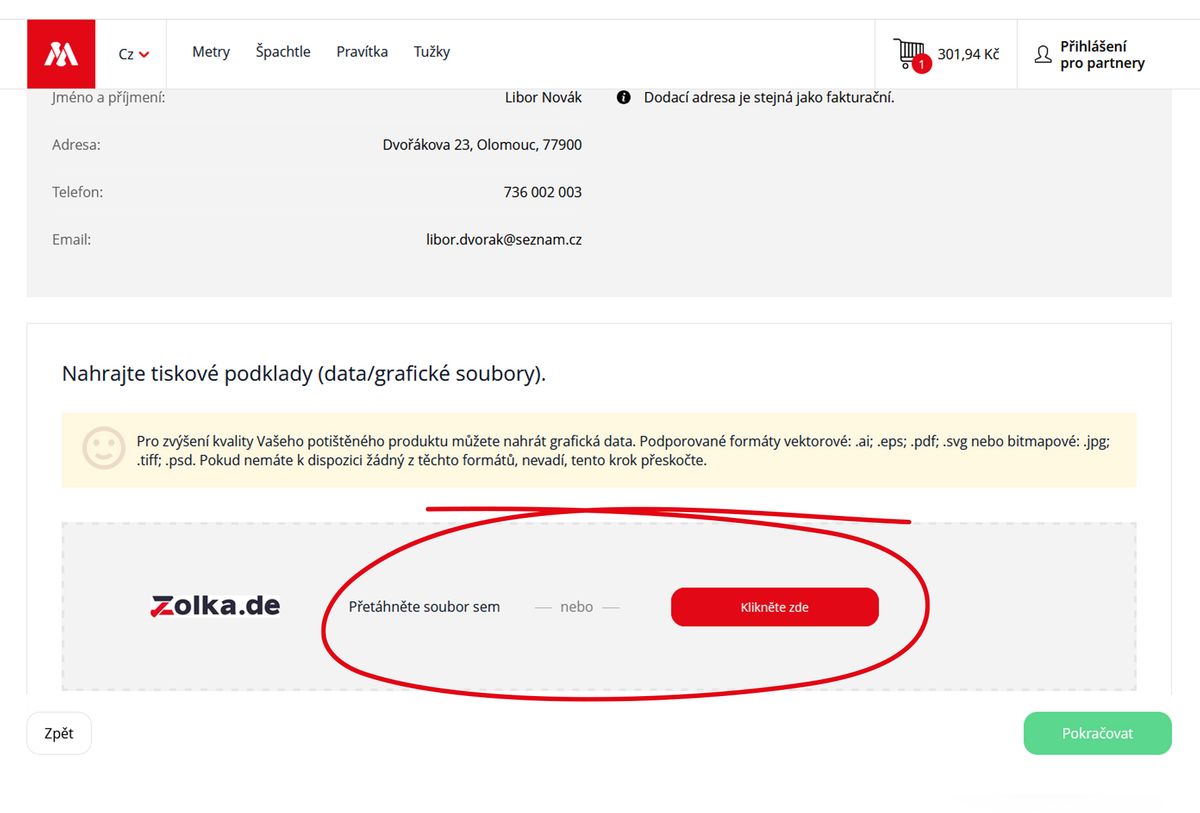
How to prepare a logo for printing
The number of colours is not the only deciding factor. The type of artwork, required quantity and required colour accuracy are also important.
The logo contains three solid colours and the company has specified Pantone numbers for all three.
For orders of 100 pieces or more, pad printing with three Pantone spot colours may be suitable.
The photograph contains a large number of shades, shading and colour gradients.
Digital printing is suitable for this type of artwork.
If the logo contains several colours but exact reproduction according to Pantone is not required, digital printing can be used.
Yes. The final appearance of the print can also be affected by the colour and surface of the material being printed.
The same artwork may look different, for example, on:
The final result therefore cannot be assessed solely on the basis of how the artwork looks on a monitor.
If the print must match defined corporate colours, please provide, where possible:
You can attach professional artwork files in the Cart. Uploading them is not required if you do not have them available.
If you only have PNG or JPG/JPEG files, you can also create your design using these files.
How to prepare a logo for printing
You do not need to decide on the printing technology yourself when creating your design.
Upload the artwork you have available, create your design and select the required quantity. If you have defined Pantone colours or professional artwork files, provide them with your order.
If you need to check the suitability of particular artwork or a printing method before ordering, please contact us:
Email: [email protected]
Phone: +420 606 766 253
Frequently asked questions about printing
Browse real prints on folding rulers, rulers, pencils, wooden stirrers, holders and other products.
View references →